Buildroot External SDK Handover: Relocation, Sysroots and Application ABI Checks
Pair the SDK with a specific target image
An SDK is not just a compiler archive. For an application team, it is a contract about target architecture, ABI, C library, available development files and the runtime image that will accept the resulting program. A compiler can successfully produce an executable that the device cannot load. Start the handover with a release identifier linking the SDK archive to the exact image and configuration used to create it.
This guide uses the Buildroot 2025.02 source tag. Buildroot’s current LTS policy provides three years of support starting with the 2025.02 series; that policy does not certify compatibility between arbitrary SDKs and product images. The steps below are a proposed handover procedure, not a report of a completed cross-build or board test.
Export the development environment intentionally
Buildroot 2025.02 can export the host directory and selected packages’ development files with make sdk. The resulting archive is placed in the images output directory. It is intended for applications developed outside Buildroot, and should be treated as an immutable release input once delivered. The version-pinned SDK documentation distinguishes export from simply using the original output/host tree.
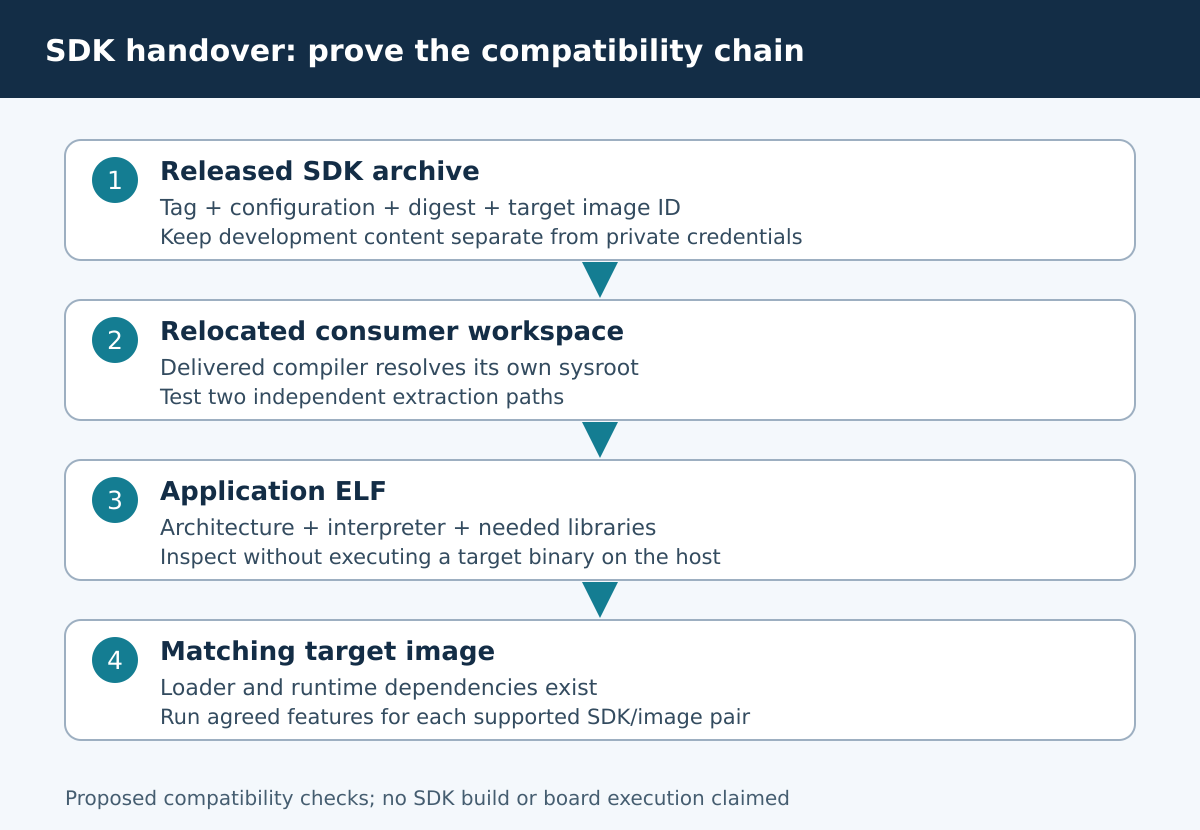
Before export, complete the intended product build and record the source revision, configuration, compiler tuple and archive digest. Document which optional libraries are included. Application developers should not have to discover by trial and error that a header is absent because the corresponding product feature was never enabled. Keep private signing keys and deployment credentials outside the SDK distribution.
Relocate a fresh extraction before using it
After extraction, run the archive’s relocate-sdk.sh from the extracted SDK. Its purpose is to update recorded paths for the new location. The 2025.02 relocation script operates on text files containing the prior path and updates its location record; this is narrower than a guarantee that every third-party binary or custom build script is universally relocatable.
Use a fresh extraction in a new application workspace so the original archive remains unchanged. Choose a straightforward absolute path without shell metacharacters. For a relocation acceptance test, repeat the same application build from two different extraction paths. Search resulting build commands and relevant configuration files for the old SDK path. Investigate remaining references before concluding that an apparently successful build is independent of the producer’s machine.
Make the compiler and sysroot observable
If BR2_PACKAGE_HOST_ENVIRONMENT_SETUP was enabled, the SDK includes an environment-setup script. Source it in a dedicated shell; the documentation warns that the resulting environment is for cross-compilation rather than ordinary native development. Otherwise configure the application build system explicitly with the delivered tools. Never substitute a workstation compiler because a discovery step failed.
# Set CC to the delivered target compiler, not the host gcc.
"$CC" -dumpmachine
"$CC" -print-sysroot
"$CC" --version
These are read-only inspection commands and were not run against a product SDK here. Check that the reported sysroot belongs to the relocated SDK. Then inspect the application’s verbose compilation and linking output. Build-system caches can preserve an old compiler path even after the shell environment was corrected. Use a fresh application build directory for each SDK comparison.
Inspect the executable before deploying it
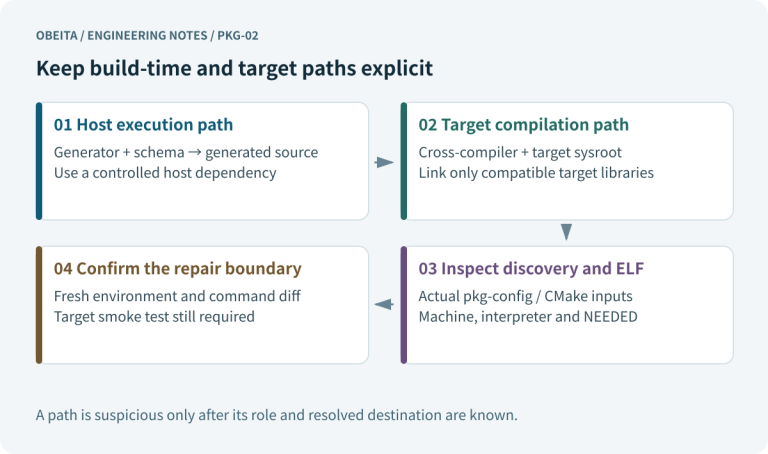
Use the SDK’s readelf or another compatible ELF inspection tool to inspect the ELF header, program headers and dynamic section. The GNU Binutils 2.44 readelf reference describes these inspection categories; record the actual delivered tool version separately. Confirm architecture and ABI, the requested program interpreter, shared-library requirements and unexpected runtime search paths. The interpreter path names a file that must exist in the target image; merely having a similarly named C library elsewhere is insufficient.
Avoid running a target executable or invoking its dynamic loader on the host as an inspection shortcut. For a missing-library diagnosis, compare the executable’s needed libraries with the delivered image manifest. Include C++ runtime requirements where applicable. Static linking changes these checks but does not prove kernel syscall compatibility or eliminate all application runtime assets.
Test the application’s actual ABI surface
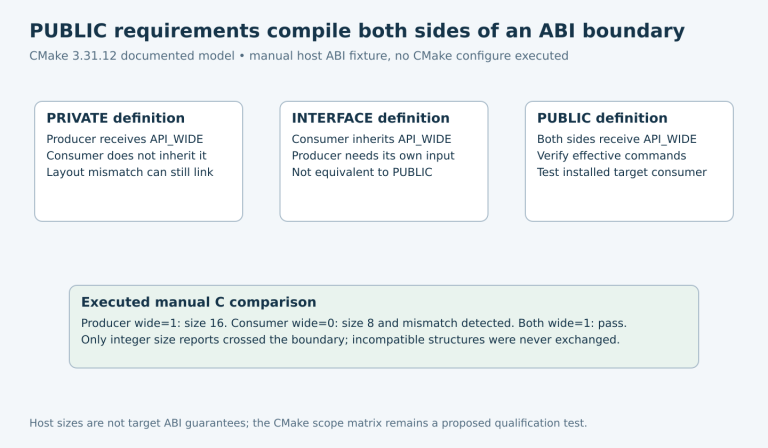
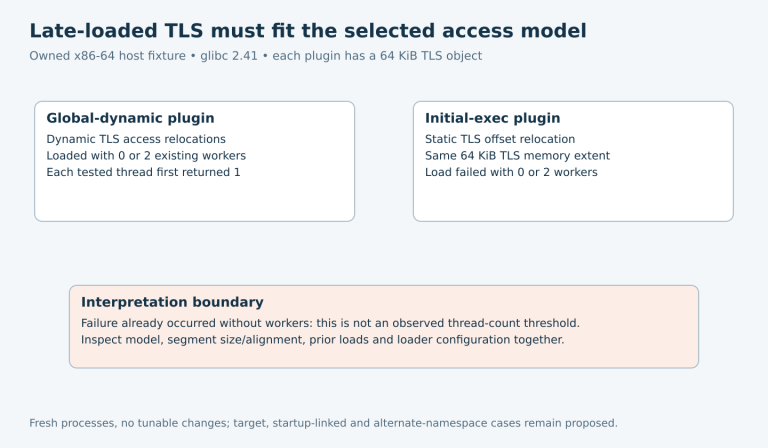
A tiny hello-world program verifies only a small part of the SDK-image relationship. Add checks that use the application’s relevant C++ features, threads, networking libraries, plugins or device interfaces. Keep expected results tied to the product’s supported operations. If a program fails before main, investigate the loader and dependency chain before debugging application logic.
Test on an authorized matching target image after preserving a recovery route. Record the image identity and application artifact digest, not just “works on board.” If multiple released images are supported, build an explicit SDK-to-image matrix. A newer SDK should not be assumed to run on an older image because both share the same CPU family or an LTS label.
Reproduce the consumer environment
Have a clean application environment consume only the delivered SDK, application source and documented host prerequisites. It should not mount the firmware team’s original build tree. Capture any required host tools separately from target tools. This exposes hidden dependencies on an absolute source directory, a host-installed library or a developer-specific environment variable.
When a check fails, retain the SDK archive, extraction path, application configuration and full command line. A relocation failure, stale build cache, missing development dependency and target ABI mismatch require different repairs. Rebuilding everything with a different compiler may make the symptom disappear while losing the evidence needed to fix the delivery contract.
Handover acceptance
Accept the SDK when its archive digest and target-image pairing are documented, relocation succeeds in independent paths, compiler and sysroot resolution are unambiguous, and application artifacts have compatible interpreter and library requirements. The agreed application feature tests should pass on each supported image combination. Document failures and untested combinations explicitly.
Deliver a short consumer guide with extraction, relocation, environment setup, build entry points, host prerequisites and troubleshooting evidence to collect. State whether later application releases require a new SDK or a compatibility review. This makes the SDK usable beyond the producer’s workstation without promising that every independently built program will remain compatible indefinitely.