Rust Embedded Graphics Won’t Compile: Trace the Driver’s Trait Identity
When a display driver appears to implement DrawTarget but a drawing call rejects it, check which crate supplies each trait before changing the rendering code. Two identically named traits from different dependency versions can be different Rust types. The useful repair is a compatible dependency boundary, not a conversion that merely hides the diagnostic.
This is a source-based integration guide for embedded-graphics 0.8.2. The mismatch described below is hypothetical; no Rust compilation or display test was executed. It does not assert that a particular current driver release is incompatible.
Separate the display from the trait boundary
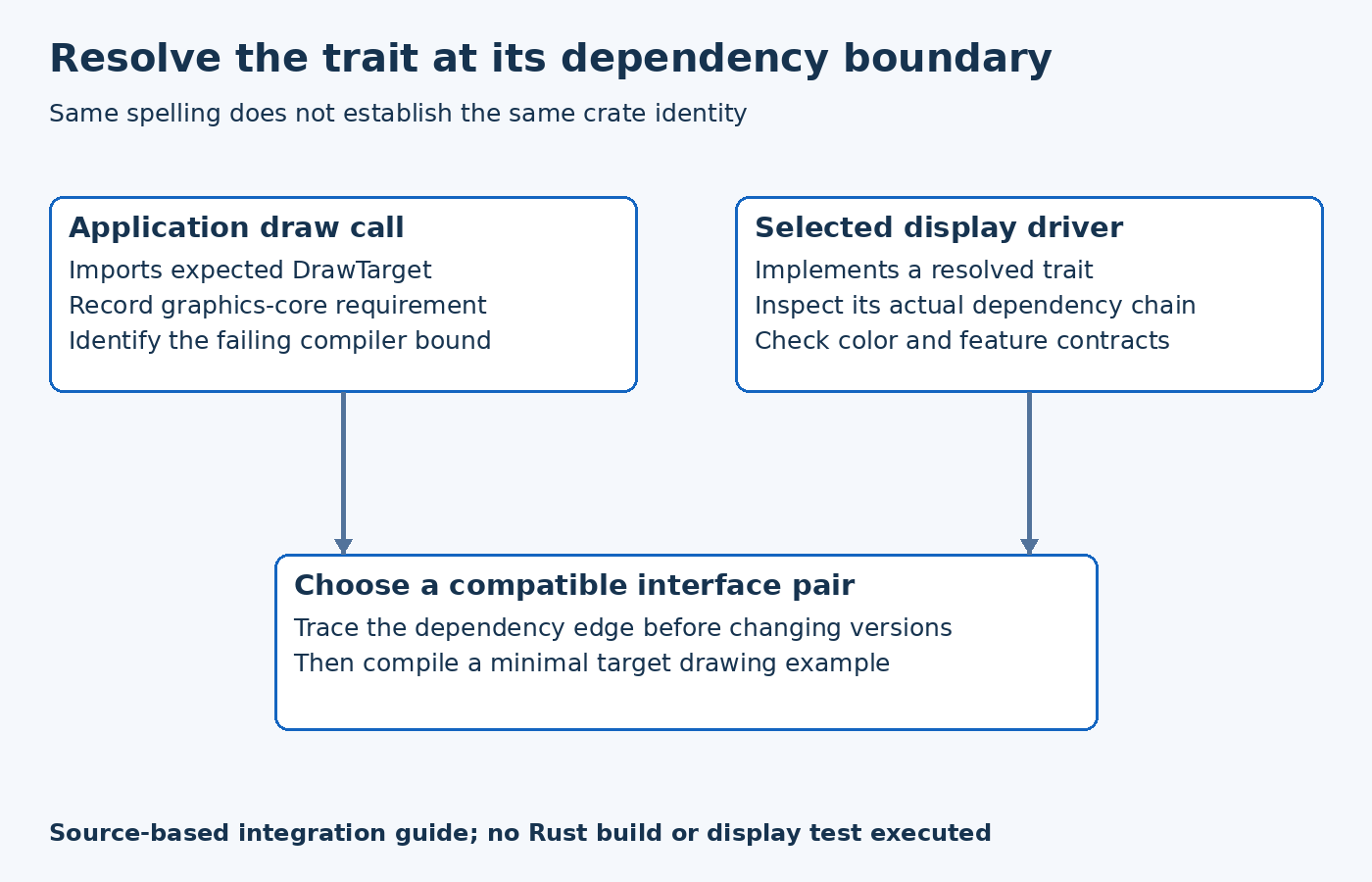
Start with the compiler's full expected and implemented types. Record the drawing library, driver, enabled features and target used by the failing build. A board that communicates over I2C successfully can still fail at this compile-time interface; electrical troubleshooting cannot resolve a different trait identity.
The embedded-graphics 0.8.2 manifest declares embedded-graphics-core with the version requirement ^0.4.1. That is a dependency requirement, not proof of the exact version resolved in an application's lockfile. Inspect the selected driver release's manifest too, rather than assuming the latest documentation describes the installed package.
Suppose a hypothetical older driver implements a DrawTarget from a different core generation while the application imports the current trait. The method names may look familiar, yet the implementation need not satisfy the application's bound. Keep this possibility separate from a wrong color type, missing feature or genuinely absent implementation; those require different repairs.
Find who introduced each version
The Cargo resolver documentation explains that types from different crate versions remain distinct and that exposing them across package boundaries can cause compilation errors. Multiple versions in a graph are not automatically a defect. They become relevant here when the drawing interface crosses that boundary.
Use the cargo tree duplicate and inverse views to identify repeated packages and the dependency chains that introduce them. Run the inspection for the affected package and relevant build configuration. If several versions exist, use a version-qualified package specification for the inverse query so the output names the intended branch.
Interpret the result as a graph, not a list to deduplicate indiscriminately. One branch may be a host-side development utility; another may supply the target's display trait. The next action should follow the actual compiler error and target dependency path, rather than removing every duplicate package from a workspace.
Choose a compatible repair
If a supported driver release implements the required interface generation, evaluate that release together with its hardware abstraction dependencies and configuration changes. Updating the driver can move more than the graphics trait, so retain the previously working application revision as a comparison.
If the product must retain the existing driver, assess whether a compatible drawing-library version meets the application's requirements. Do not force an incompatible core version into a dependency declaration merely because its name is the same. The driver's source may rely on interfaces that changed between generations.
A deliberately maintained adapter is another engineering option, but its responsibility must be explicit: translate supported drawing operations and associated color/error behavior between real interfaces. An unsafe cast is not a substitute for that implementation. Nor does renaming an import change the crate identity of a trait already implemented elsewhere.
Prove the repaired boundary before expanding the scene
Reduce the application to the exact selected driver and one small primitive with the required color type. Compile for the intended target using the chosen feature set. Then restore text, images and application drawing components incrementally. A successful minimal build establishes the interface repair; it does not establish panel initialization or correct pixels on hardware.
Record the resolved versions that passed, the driver mode and any intentional adapter. Keep the lockfile where appropriate to the application workflow. The final diagnosis should identify the incompatible dependency edge and the chosen compatible replacement, rather than saying that a broad update happened to make the error disappear.