OPC UA SCADA Alarm Shelving: Verify What Brings an Alarm Back
An alarm disappearing from the main SCADA list does not mean the
process returned to normal. It may be temporarily shelved while its
underlying condition continues to change. The interface needs to explain
both why it is hidden and what will make it eligible for display
again.
OPC UA Part 9 v1.05.06 defines two shelving modes with different
recovery conditions. This article reviews their SCADA integration. It
does not authorize shelving operational alarms or claim that any alarm
command or safety function was tested.
Keep
process state separate from display suppression
The AlarmConditionType
model distinguishes ActiveState from shelving, suppression and
out-of-service state. Alarm transitions continue while the client
typically suppresses their display. A hidden alarm can therefore still
be active.
Represent those dimensions separately in the SCADA data model. A
convenient “normal” color must not mean both inactive and temporarily
hidden. Preserve a visible route to the shelved-alarm inventory and its
reason, subject to the site’s approved alarm-management policy.
That inventory is also useful during a shift handover. An operator
should be able to distinguish an alarm awaiting process recovery from
one awaiting a timer, without opening implementation-level OPC UA
properties.
Choose the recovery
condition deliberately
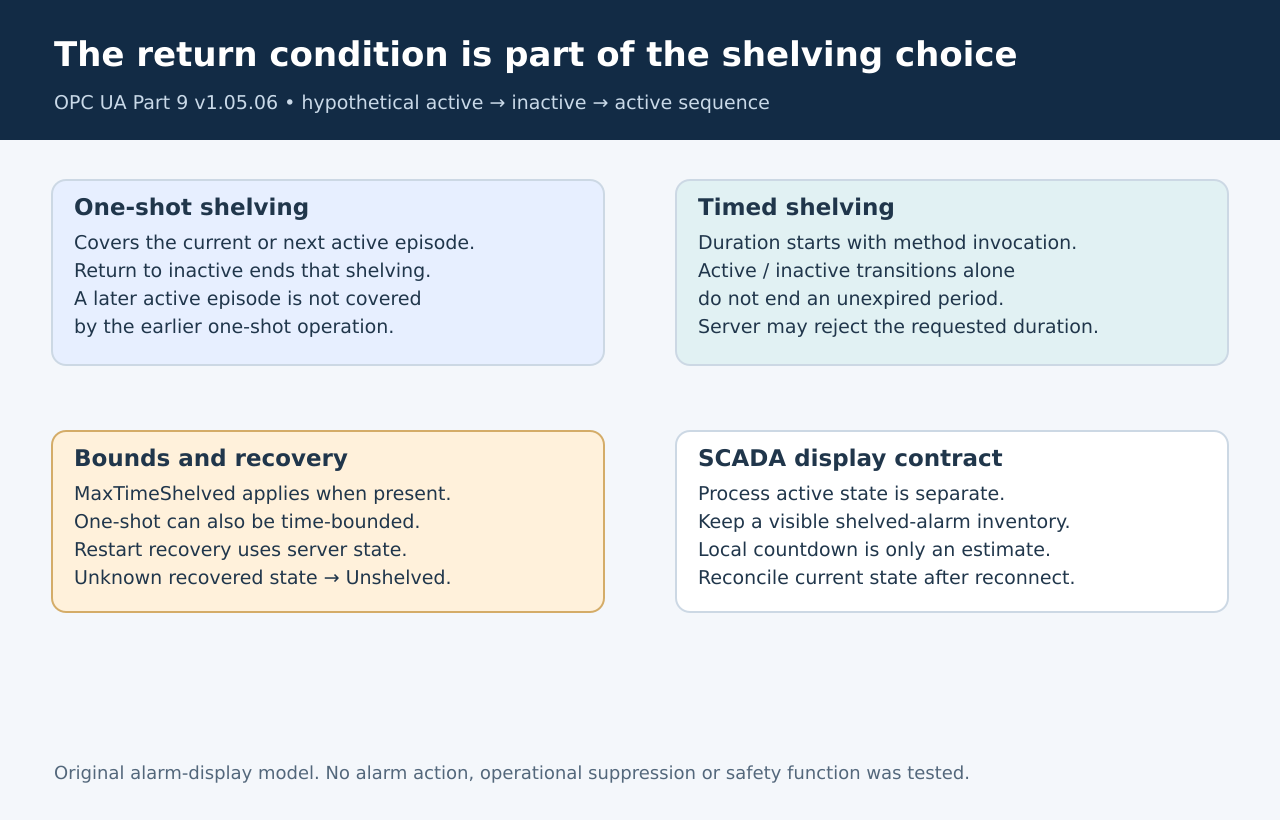
The shelving
state-machine overview specifies that one-shot shelving covers the
current active episode, or the next episode if initially inactive.
Returning to inactive clears that one-shot shelving. Timed shelving
instead persists for its duration across active/inactive transitions,
unless another shelving-state change intervenes.
A hypothetical simulator trace makes the distinction clear. Start
with an active alarm, make it inactive, then active again. Under
one-shot shelving, the inactive transition ends the shelving period, so
the later active episode is no longer covered by that operation. Under
timed shelving, the same transitions need not end the still-running
period.
Label the control using that meaning. “Until this episode ends” and
“for a duration” communicate different commitments. A generic snooze
button that silently chooses one behavior is harder to review and can
surprise the next operator.
Start the
countdown from an accepted operation
The TimedShelve
definition starts the timer on method invocation, including when the
condition is inactive. The server can reject a requested duration. It
also defines an already-shelved result for a system that does not allow
the timer to be reset.
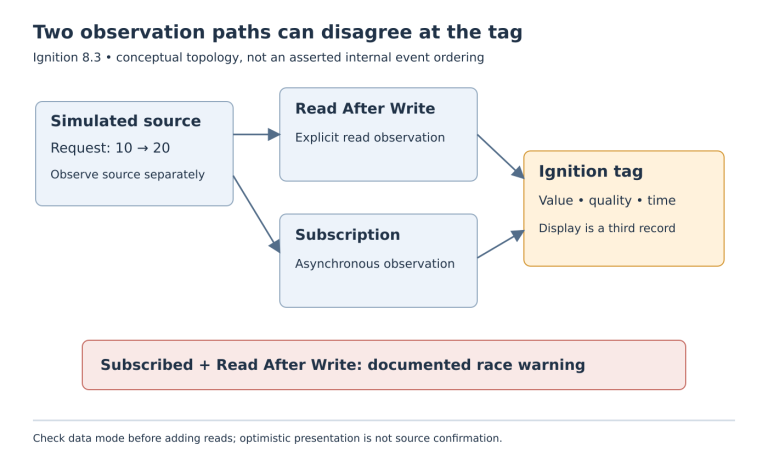
Do not show a successful new shelving period solely because the user
clicked. Preserve the operation result and reconcile the reported state.
A local countdown started before the request completed can otherwise
advertise a period the server never accepted.
The optional MaxTimeShelved property limits timed shelving and also
bounds one-shot shelving when present. Its absence must not be treated
as permission for the application to invent an unlimited operational
policy. The allowable choice still belongs to the site’s approved
alarm-management design.
Treat reconnection as a
state check
The state machine exposes UnshelveTime as remaining time in
milliseconds. A client may use that information to present a countdown,
but its own timer should remain a display estimate rather than authority
for the alarm state.
For example, another authorized client might change the shelving
state while this screen is disconnected. Reopening the screen must
obtain current state rather than restoring a cached hidden flag and
assuming its earlier deadline still governs.
Part 9 says the AlarmManager should recover shelving state after
restart; when it cannot determine that state, it must set Unshelved.
This is another reason not to make the SCADA display’s old timer the
sole restoration mechanism.
Test return paths in a
simulator
Exercise the same active/inactive sequence under each mode, a
rejected duration, an allowed early unshelve, and reconnection during a
shelving period. Observe process state, shelving state and display
eligibility separately. Keep alarm acknowledgement as its own action
rather than using it as a substitute for unshelving.
Acceptance means the operator can explain why an alarm is hidden and
see its current recovery condition. A countdown reaching zero is useful
presentation; the server’s actual state is the evidence that the
temporary suppression has ended.