LVGL Table Selection: Keep Cell Identity Correct with Merged Cells and Custom Drawing
Map a selected table coordinate to a logical cell owner before looking up the application action. In LVGL v9.3.0, a visually merged span does not make every touch in that span report its leading column. Custom drawing adds another identity channel: the cell currently being drawn is not necessarily the cell selected by input.
Applicability: this article uses the v9.3.0 table widget with horizontal merges, left-to-right layout and no transforms. It covers cell identity, selection and draw decoration, not virtualized row pools. The proposed three-column fixture has not been executed. Other directions and transformed tables require additional tests.
1. Separate physical columns, logical cells and fields
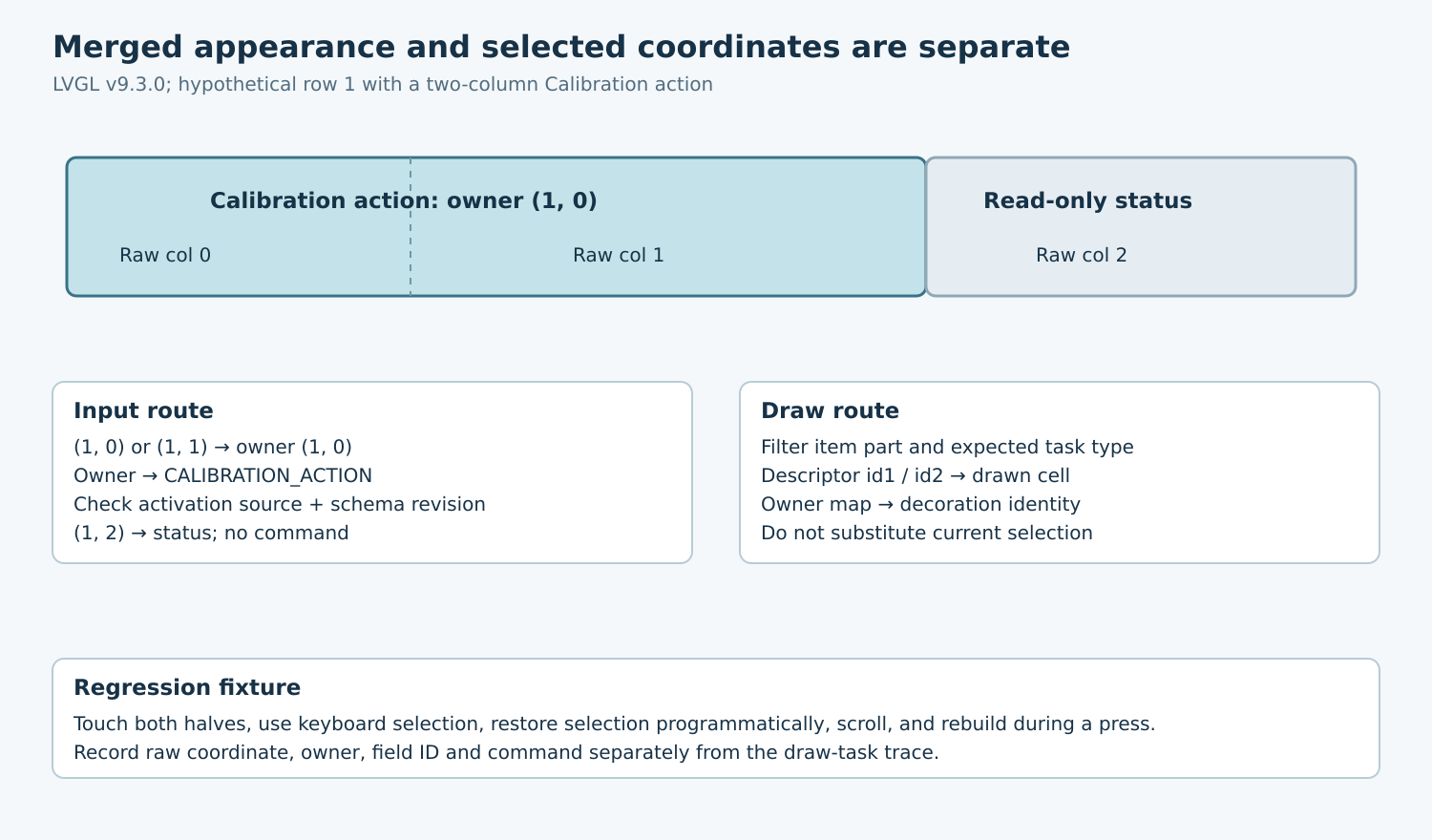
Consider a hypothetical maintenance table with columns of widths 80, 120 and 100 pixels. On row one, the first two columns form a merged Calibration action, while the third shows a read-only status. The merged action has owner coordinate (1, 0), even though its artwork spans physical columns zero and one.
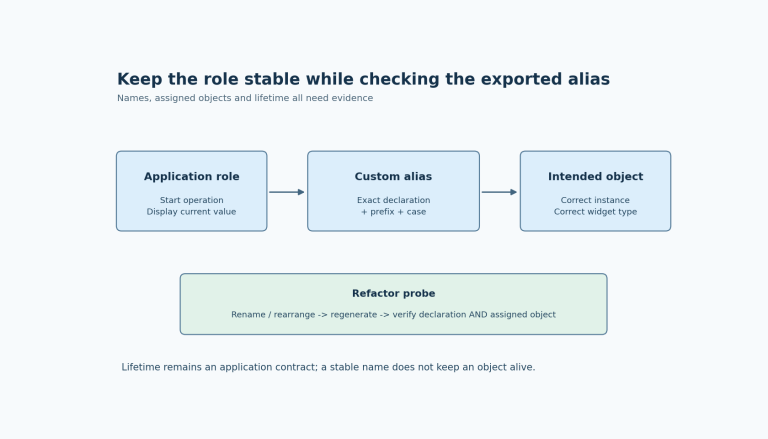
Build an application map from every physical cell coordinate to its owner coordinate, then from the owner to a stable field or action identifier. Here (1, 0) and (1, 1) both map to CALIBRATION_ACTION. Coordinate (1, 2) maps to CALIBRATION_STATUS and is not actionable. Row zero is a header and maps to no action.
Keep this map with the table schema rather than deriving it from displayed text. Translation, value formatting and status wording can change independently of action identity. If row order changes, update the schema revision and its field mapping together before accepting new interactions.
2. Verify the actual merge boundary
The 9.3 table documentation supports horizontal merging through LV_TABLE_CELL_CTRL_MERGE_RIGHT. A longer span is a chain of adjacent merge controls. This is not a general row-span/column-span layout engine; do not assume vertical merging from a visually convincing custom background.
The exact table implementation draws merged spans by accumulating column widths, but its pointer-cell lookup walks the physical column widths without applying that merge chain. Therefore two touches in the same painted span can report different raw columns. Apply the owner map before retrieving the business field.
For the zero-padding, zero-border horizontal fixture, test local content x positions 40 and 140 at the center of row one. They lie in physical columns zero and one respectively, but both should resolve to owner (1, 0). A touch at x = 250 resolves to column two and must not activate Calibration. Record actual final layout coordinates rather than transplanting these points into a differently styled table.
3. Capture selection at the useful event boundary
Use lv_table_get_selected_cell with correctly typed row and column outputs. Reject LV_TABLE_CELL_NONE and out-of-schema coordinates before indexing application arrays. Treat an empty or partially rebuilt table as a normal case that can have no actionable selection.
In the pinned pointer release path, the table emits VALUE_CHANGED for a valid selection when no scroll object is active, then clears the pointer selection. Capture and normalize the coordinates during the relevant callback rather than deferring a fresh getter call until later and expecting the old coordinates to remain available.
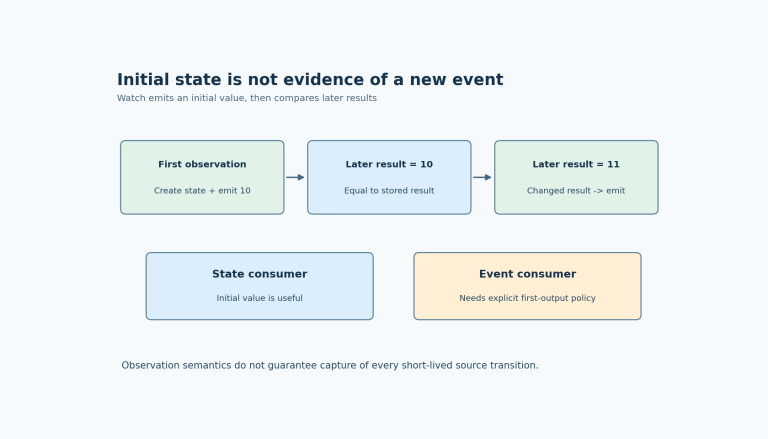
VALUE_CHANGED is not proof of a deliberate command by itself. Keyboard selection and the programmatic selected-cell setter can also produce it. Give selection preview and action activation different application rules. A background refresh that restores focus must not accidentally run a calibration operation.
When queuing work, copy the resolved field identifier and schema revision, not a pointer to temporary event data. Verify that the schema is still current when the command is consumed. If a press begins before a table rebuild and ends afterward, cancel the old interaction or require an explicitly valid revision match.
4. Identify the cell being drawn correctly
The tagged table drawing example uses draw-task events and descriptor metadata. For table item tasks, id1 identifies the row and id2 the column. Filter for LV_PART_ITEMS and the expected task type before interpreting a descriptor. A fill and a label for one cell are different tasks, not separate selected cells.
For a merged span, decoration should follow the logical owner that generated the span. Never call the selected-cell getter to decide which field a draw task represents: redraw can visit many cells while only one is selected, or while none is selected.
Use the same owner map for drawing and action lookup. For example, an application-level selected field can highlight the Calibration span whether input reported raw column zero or one. A status badge in column two remains attached to its own field. Do not mutate table selection or rebuild cells from the draw callback to repair an identity mismatch.
5. Test visual and input identities together
| Proposed case | Expected logical outcome |
|---|---|
| Touch both halves of merged action | Different raw columns; one Calibration owner |
| Touch neighboring status cell | Status identity; no action |
| Keyboard enters covered column | Owner normalization remains consistent |
| Programmatic selection restoration | Preview only under the chosen policy |
| Redraw with no selection | All decorations use draw-task cell identity |
| Schema changes during a press | No command addressed through the old mapping |
Add points immediately on either side of each column boundary and at the merged span’s outer edges. Repeat after horizontal and vertical scrolling. Let the table’s input path handle its scroll geometry; duplicating a manual coordinate-to-column calculation in the action callback creates another opportunity for mismatch.
Inspect the selected raw coordinate, normalized owner, field ID, schema revision and emitted command in one trace. Separately log draw-task row/column and field identity for the decorated cells. Compare these records with a screenshot that visibly distinguishes the action span from the status cell.
6. Make schema changes transactional
When changing column widths, merge controls or row content, suspend action admission under the application’s UI ownership discipline. Prepare the new owner map, update the table, publish the new revision and restore a meaningful selection only after validating it. Avoid leaving a period in which new artwork uses an old action map.
Read-only cells and headers should remain explicitly non-actionable even if they can be selected. A visual disabled treatment is not the same as a model-level command prohibition. Test that constraint using every supported input path.
The release artifact is a logical-cell ownership map plus paired input/draw traces. Accept the table when every visible region resolves to its intended field and selection changes cannot impersonate commands. Merged appearance alone is insufficient evidence of merged identity.