A133 Touch Terminal Product Development | Obeita
Delivered project. The completed hardware and software met the customer’s agreed requirements in testing. Specifications for a new project must be agreed separately.
Obeita completed an Allwinner A133 touch-terminal project, taking customer requirements through contract confirmation, hardware and software design, physical testing and delivery. The engineering focus was the relationship between the Android terminal, its board-level bring-up and its modular enclosure.
Turning the terminal requirement into a development scope
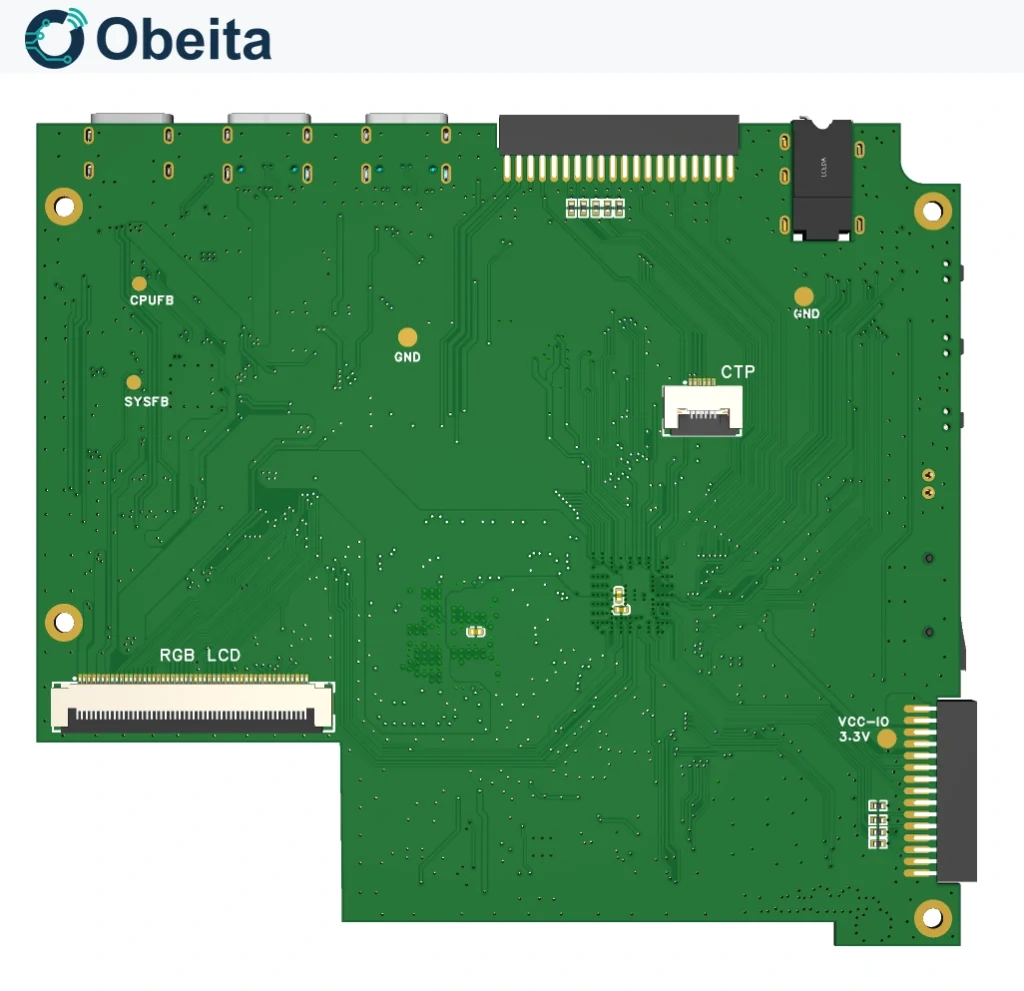
The documented architecture combines a 7-inch 1024 × 600 display, 2 GB LPDDR3 and an A133 board with access for power, memory and peripheral diagnosis. Obeita developed the agreed terminal hardware and software around the customer’s requirements. The project treated the display, startup path, audio and service connections as parts of the same product rather than separate board demonstrations.
Memory, boot media and board-level integration
The hardware record describes a four-layer board, a 32 GB eMMC configuration and a TF-card boot path. In the documented development workflow, DDR stress testing precedes operating-system installation; the material identifies DragonHD and an 888 MHz LPDDR3 test setting. These details describe the engineering approach; they do not establish a published endurance result or confirm that TF and eMMC startup are interchangeable. A production image requires a bootloader, partition layout, flashing route and recovery method matched to its actual storage medium.
Power and audio integration were distinctive parts of the technical work. The documented debug route uses a 115200-baud UART, and the bring-up record identifies the PL voltage domain used between A133 and AXP707. Headphone detection, audio routing and the amplifier shutdown GPIO also belong to a coordinated hardware/driver design. These relationships are relevant when adapting the terminal to a new application.
Software and enclosure as one terminal
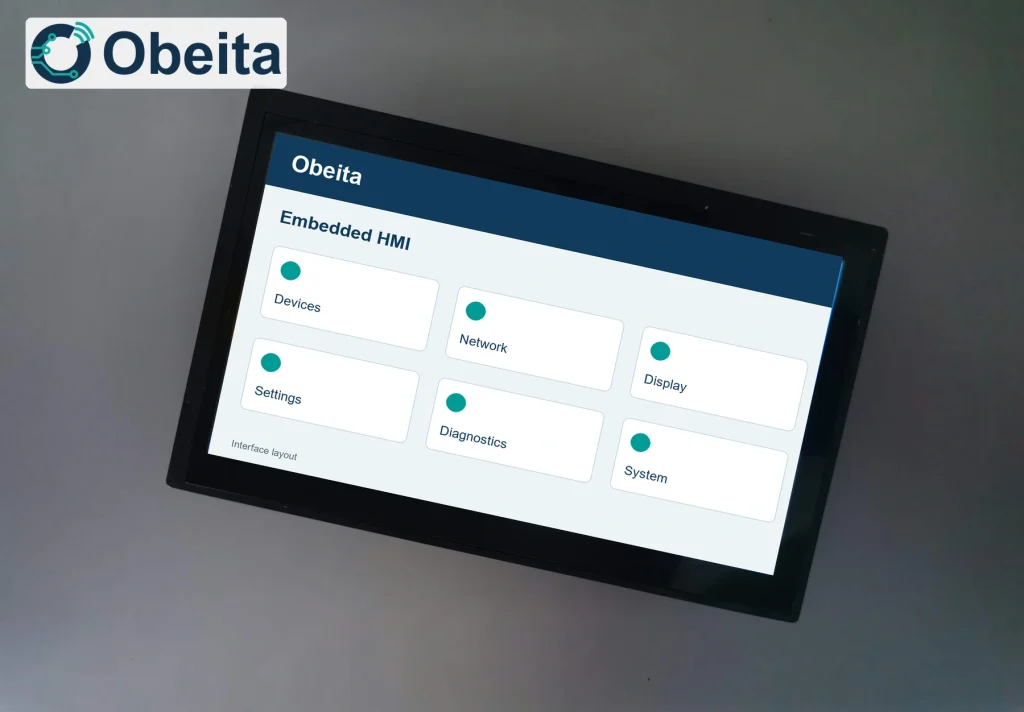
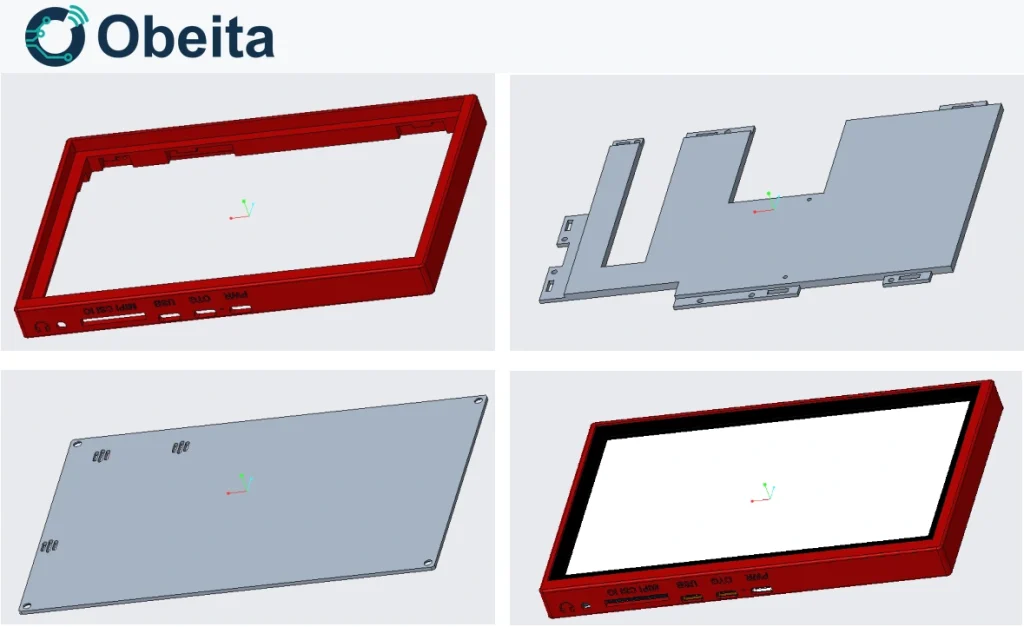
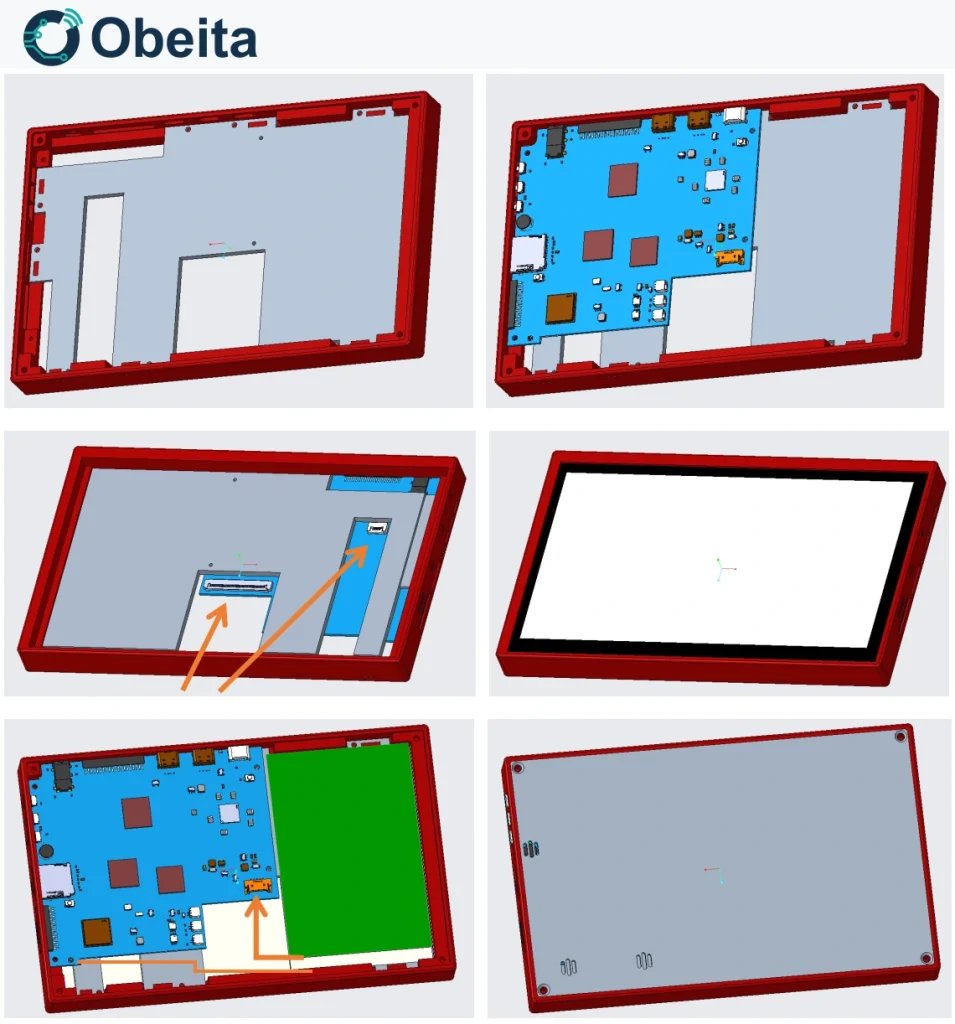
Android 10 is the documented software direction, with USB host/OTG, a 3.5 mm audio connection and Type-C charging. The mechanical design separates the outer frame, middle carrier and rear cover so PCB location, display retention and cable space can be considered together. Metal and printed-plastic rear-cover approaches remain design alternatives in the public material. For a new terminal, the assembly plan should call for PCB installation and testing before the display is permanently fixed, with cable clearance, battery retention and antenna position checked before the rear cover is closed. The branded screen illustration is an interface concept, not evidence of a running customer application.
Documented architecture and configuration
This table records the project’s documented architecture and selection boundaries. Options, variants and design inputs remain qualified as shown; their inclusion here is not an independent guarantee that every option formed part of the delivered configuration.
| Item | Configuration |
|---|---|
| CPU | Allwinner A133, quad Cortex-A53 |
| Display | 7-inch, 1024 × 600 |
| Memory / storage | 2 GB LPDDR3; 32 GB eMMC configuration; TF boot path |
| Mechanical envelope | 173 × 109 × 15 mm design |
| Battery direction | 3.7 V, 3000 mAh design input |
| Service interfaces | USB 2.0, USB OTG, debug UART; 3.5 mm audio |
Delivered result and test boundary
The customer received the agreed A133 touch-terminal hardware and software implementation. Obeita completed physical testing, and the tested functions met the customer’s requirements before delivery. This result applies to the agreed project configuration and scope; it does not assign a universal battery life, thermal rating or storage-reliability figure to the platform.
For a similar terminal, boot-media choice, image recovery, headphone switching, charging, Wi-Fi antenna matching, antenna placement and enclosure thermal contact should be included in the new productisation scope, together with repeated cold-boot checks. The documented TF-card workflow alone does not define an eMMC production workflow.
Discuss a similar A133 terminal
Send Obeita the intended application, display requirements, preferred boot medium, battery needs and enclosure constraints. These inputs let us define the hardware, software and physical-test scope for your terminal.