SquareLine Studio Component Transfer: Check Referenced Assets After Copying a Component to Another Project
A reusable SquareLine Studio component can appear in another project's component panel without being ready for that product. Its images, font choices or event targets may depend on the original design. A familiar thumbnail does not prove that those dependencies were transferred or rebound correctly.
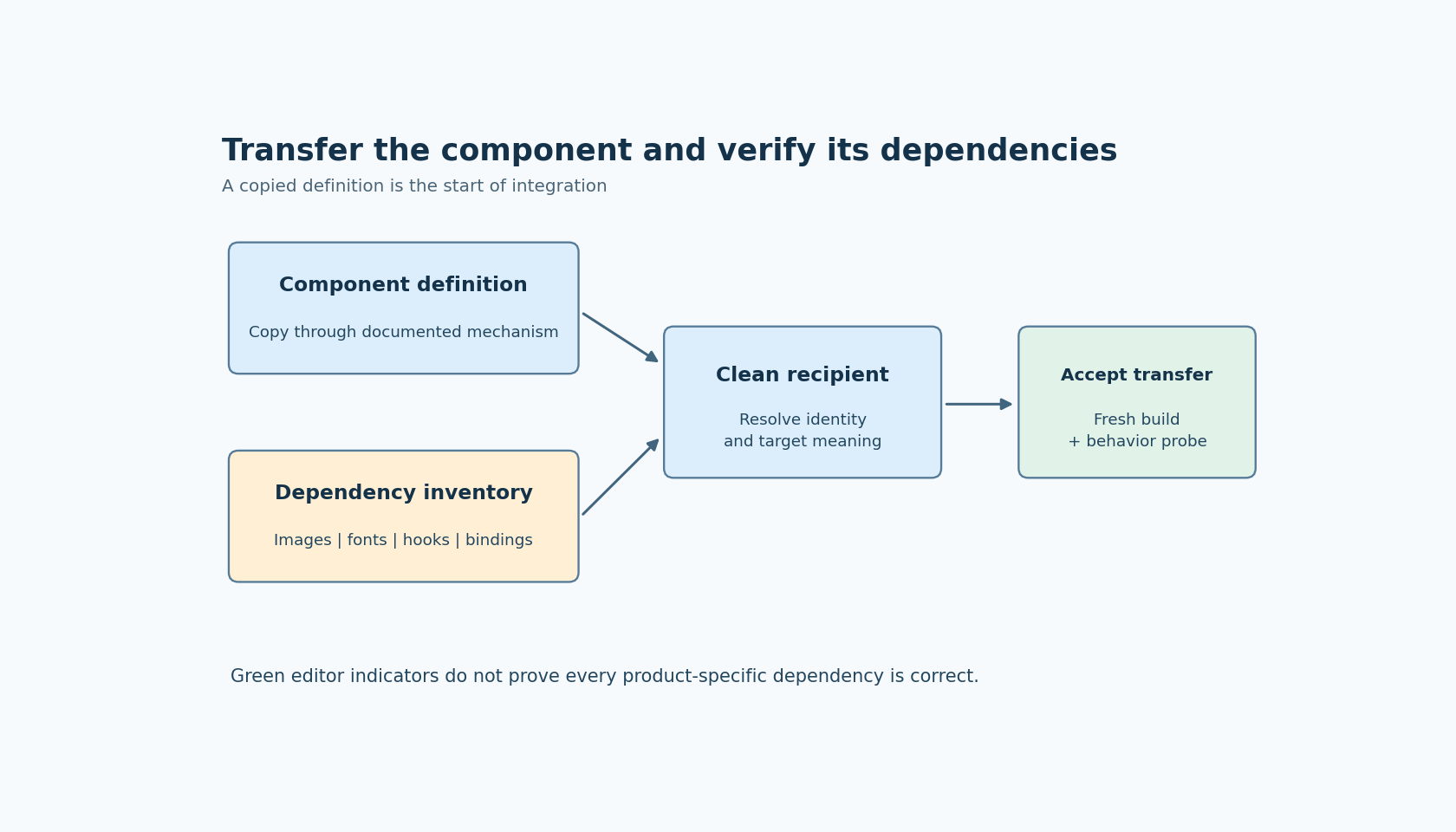
Treat component transfer as a small integration exercise. Copy the component through the documented mechanism, then test its dependency boundary in a clean destination project before adding it to a large application.
Start with what the component copy actually establishes
The official Components documentation places component definitions in the project's components directory and describes copying them between projects. That establishes a supported reuse mechanism; it does not state that copying one definition automatically packages every external resource or resolves all target-project references.
Prepare a short transfer record for the component. List visible images, required fonts, referenced targets outside the component, theme assumptions and any handwritten creation-hook behavior used by the source application. Include only dependencies the component actually relies on, and identify which are intentionally supplied by the receiving project.
For example, a status card might own its icon and caption layout while expecting the product to supply a navigation target. The transfer is incomplete until that target is deliberately selected, even if the card can render a plausible idle state.
This article uses official documentation labeled SquareLine Studio 1.6.2. It describes checks to perform; no component was imported, exported or executed for this article.
Use a clean destination to reveal accidental dependencies
Create a disposable receiving project with the relevant supported configuration. Copy the component definition using the documented project-folder approach, then open the project and place one instance on a simple screen.
Do not begin by copying the entire source project's asset directory. That can hide the minimum dependency set and introduce unrelated resources. Add the identified assets through the receiving project's normal workflow, checking each reference as it becomes available.
Keep screenshots or observations of the component before and after transfer, but do not rely on pixels alone. Two assets can look similar while having different intended roles, and a fallback font can make a short English label look acceptable while omitting required symbols.
Use diagnostic content that exercises the component's actual contract: its longest relevant caption, its required symbol, each intended image state and any external navigation action. These examples should come from the receiving product's requirements rather than from an arbitrary stress string.
Interpret the hierarchy indicators narrowly
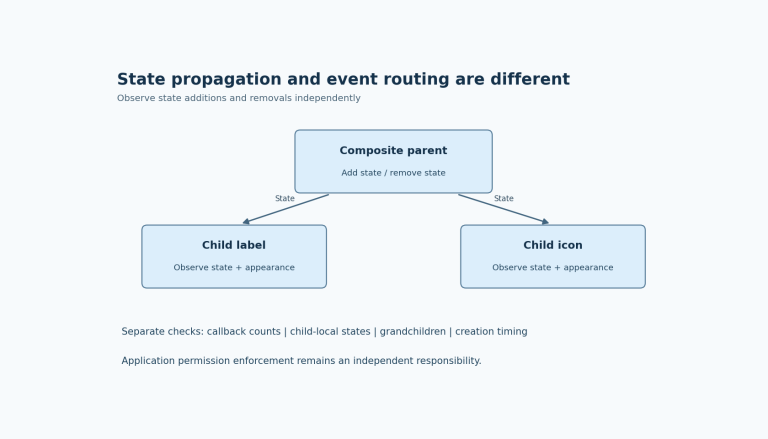
The official Hierarchy Panel reference describes a red event indicator for actions missing a target widget, and for documented missing image-target cases. A green indicator means the event has proper settings according to that editor check.
Use these indicators to locate obvious unresolved references after transfer. Then inspect the referenced object itself. A nonmissing target can still be the wrong destination screen or an unintended widget with a similar name. Structural validity and product meaning are separate acceptance questions.
Activate each transferred event in an isolated test flow. Record the expected target and observed behavior. If the component should remain product-neutral, replace a source-product navigation assumption with a clearly documented receiving-project binding rather than retaining a misleading default.
An event-free component also needs inspection. Absence of a red indicator does not establish that every font, image, theme value or handwritten customization is present. The indicator covers the documented condition, not the entire transfer checklist.
Check collisions before accepting a familiar resource name
Compare resource identities when the receiving project already contains an image or font with the same apparent name. Determine whether it is intentionally the same resource, a compatible replacement or a collision that requires renaming and rebinding.
A useful diagnostic is to temporarily substitute a clearly marked test asset in the disposable project. Confirm which part of the transferred component changes. Restore the intended resource afterward and retain the reference mapping in the transfer record.
For fonts, verify the required visual roles and characters, not merely that a font entry exists. For theme-dependent styling, test the themes the receiving product actually supports. If the component expects a global color role absent from the destination, define the intended replacement explicitly rather than selecting a visually similar literal by accident.
Do not assume all nested or overridden component properties have identical transfer behavior. Inspect the specific instances and local exceptions that matter to the receiving design. A correctly transferred definition can still be used with an unintended local override.
Verify the exported dependency boundary
Export the receiving project into a fresh directory and build it using the intended integration. Inspect unresolved references, generated asset declarations and any required handwritten hooks or event functions. Keep the source project's old generated output out of the build so it cannot satisfy missing dependencies invisibly.
Exercise the component's diagnostic content and actions in the receiving integration. Then instantiate a second copy if reuse within one screen is part of the design. Check that each instance acts on its own intended controls and that an external target is shared only where that sharing is intentional.
Accept the transfer when the component definition, required resources and receiving-project bindings are all accounted for. Preserve the small transfer record with the reusable component so the next project can repeat the same checks. Reuse then carries an explicit dependency contract instead of relying on the original project's surrounding files to make the component work by coincidence.