Yocto ptest Packages: Keep Test Installation Separate from Test Execution Evidence
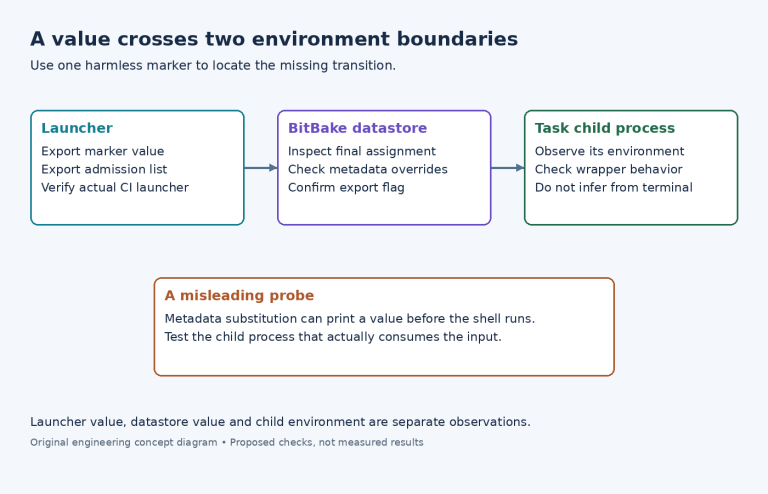
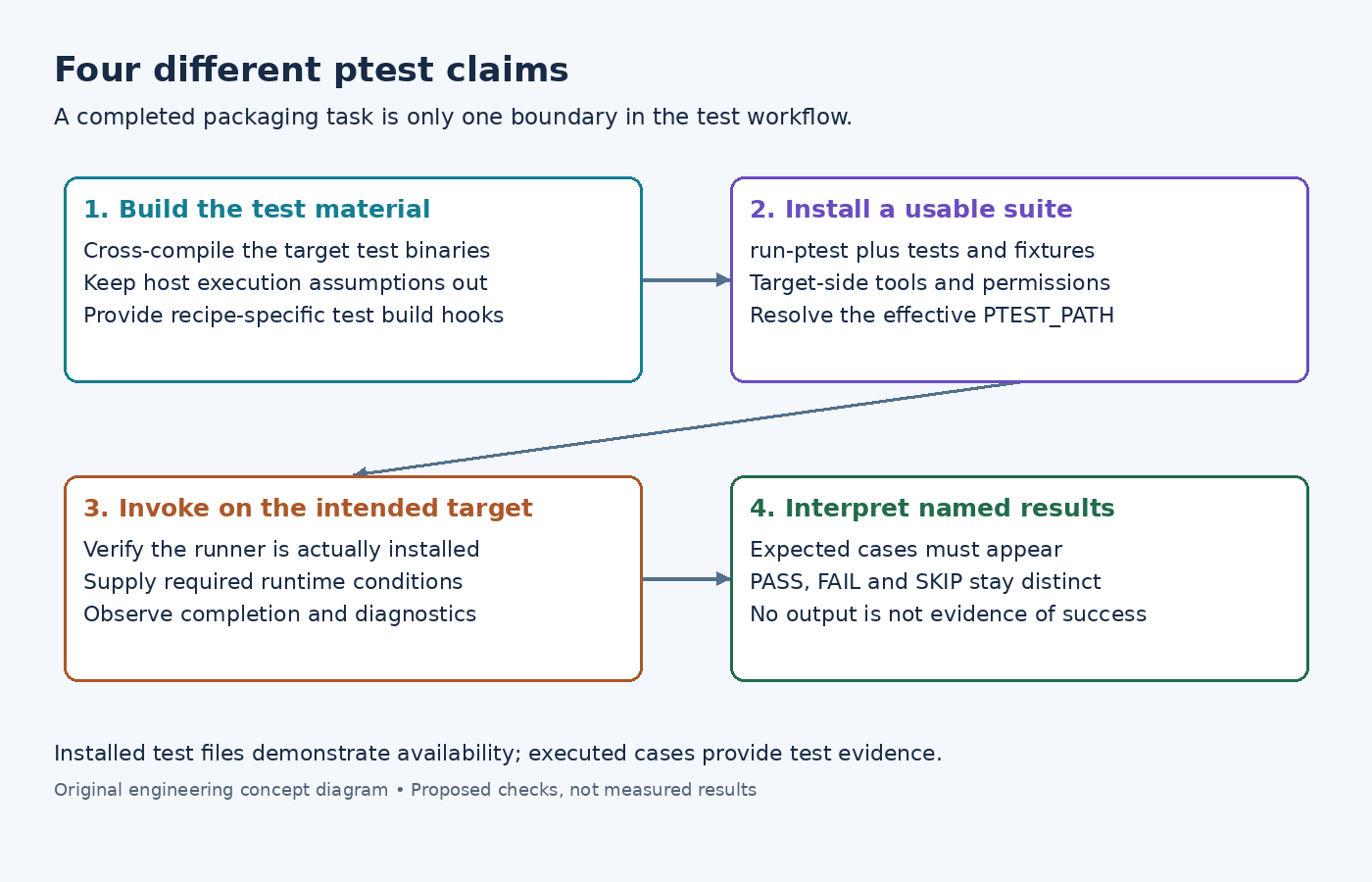
An image contains sensorlib-ptest, and every BitBake task completed. That establishes that test material was packaged; it does not establish that the suite ran or passed on the target. A useful ptest integration keeps construction, installation, invocation and result interpretation distinct.
This distinction matters particularly when a cross-build succeeds while the installed test launcher cannot find its fixtures, interpreter or helper tools.
Make the test package a real target-side suite
The Yocto 5.0.12 ptest manual describes a test plus a run-ptest launcher and the result format PASS: testname, FAIL: testname or SKIP: testname. The launcher starts the tests; it is not a replacement for their assertions.
A recipe normally inherits ptest, and ptest must be enabled in DISTRO_FEATURES for the class's main functionality. The class reference makes that enablement boundary explicit. Check the effective configuration before investigating why no ptest tasks or package appeared.
Inspect the recipe's test build logic separately from its ordinary program build. A native make check workflow often combines compilation and execution, which is inappropriate if it tries to execute newly built target binaries directly on the build host. Arrange a cross-buildable test compilation step and leave intended target execution to the target-side suite.
For an illustrative parser library, install the parser tests, their input fixtures and the launcher together. A launcher that still references the original build directory is not a usable installed test, even if it worked during development.
Verify what the class installs
The examined scarthgap ptest implementation defaults PTEST_PATH to ${libdir}/${BPN}/ptest. It inserts configure, compile and install ptest tasks around the ordinary tasks. The default hooks themselves do not implement the application's tests.
Its install wrapper copies an available run-ptest, invokes an install-ptest make target when detected, and calls the recipe's do_install_ptest hook. These are installation operations in the class; their completion is not a general test-pass result. Inspect the upstream make target as well if the project gives it additional behavior.
Check the resulting package's files and executable permissions. Then review dependencies of ${PN}-ptest. A helper required only by the tests belongs in their runtime requirements; having it in the build sysroot does not install it on the target. The class recommends ptest-runner; when selecting a ptest package directly, verify that the runner is installed rather than relying on that recommendation surviving image policy.
Select tests without confusing selection with execution
The image feature reference defines ptest-pkgs for installing ptest packages. The examined complementary-package definition selects matching -ptest packages and the runner. This feature does not mean every upstream project supplies a working ptest integration.
For a focused validation image, select the suite you intend to investigate and confirm its installed path. Use the installed runner's help to choose supported invocation options, or invoke the suite's run-ptest from the intended test directory. Avoid assuming that an option remembered from another runner version applies here.
Before invocation, identify requirements that affect the result: writable temporary storage, required services, locale, permissions and any hardware fixture. A missing test dependency is an integration failure to diagnose, not evidence that the tested library's functional assertion failed.
Interpret missing, skipped and failed results separately
Capture the suite's output, its completion status and the test identities reported. Check that the expected cases actually appeared. An empty output file, an interrupted runner or a launcher that returns early cannot establish a clean suite.
Treat SKIP as an unexecuted condition with an explanation, rather than adding it to the pass count. If a case fails, retain the failing case's diagnostic context and distinguish a broken test environment from a product defect before changing the test expectation.
Finally, match the suite to the software installed in that image. Running old test data against a newly updated library may be useful deliberately, but it is a different experiment. The meaningful result is a named suite executed against a known target build under stated conditions, not simply the presence of a package ending in -ptest.